
Pinball Essentials - Affiliate Links
Discover essential pinball machine parts, accessories, and maintenance products recommended for players of all levels. Shop curated selections including and more to keep your game in peak condition. All links help support the channel and promote pinball!!!
Multi-Use Premium Camera
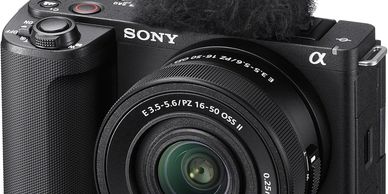
My go-to creator and LiveStream camera. Lenses can be swapped and it makes for a great playfield and player camera. Premium Choice.
LiveStream All-Purpose
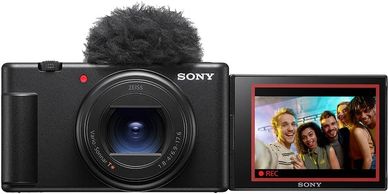
My go-to LiveStream and Portable Vlog Camera. this is the gold standard for pinball livestream rigs for Playfield as well as player and backbox. Standard Choice.
Budget Workhorse
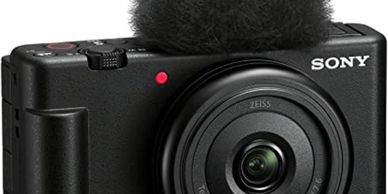
This is a very common livestream choice for pinball live streaming and Vlogging. 3 of these would be a great start to a livestream rig though i would personally invest in a higher model like the two other options. budget choice
One and Done lighting Kit
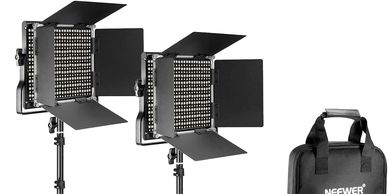
Good lighting is absolutely key for livestreaming and podcasting. I use these to light the player and the playfield. use from a distance to reduce shadows. also use with softbox grid
Softer is better
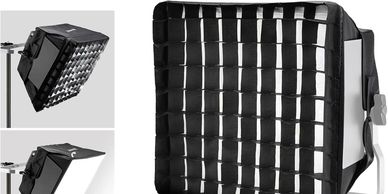
Softbox lighting is key to light the humans without bleeding light into the whole room. ALWAYS use a softbox
Playfield Side lights
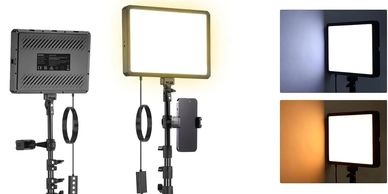
These lights are quality and light and can be used on their tripods or mounted to the rig. Space out far enough so as not to add glare.
Video Capture Cards
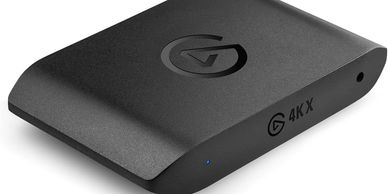
This is the critical part to attach the camera to the PC. I ONLY recommend elgato high end after trying over 10 different products. 1 of these for every camera
Many of these Arms
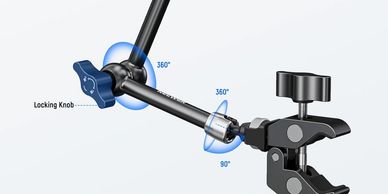
These are used to mount lightsing microphones and cameras. You will need between 5 and 9 of these. more is better, return what you dont use
Quick Release is better
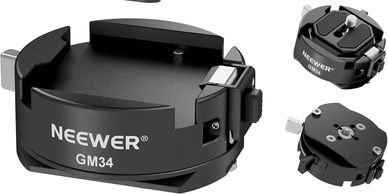
I quick release many parts of this. All Cameras for sure and sometimes stuff like lighting and microphones. This is a luxury quality of life addon
Support The Cause / Donate Gift Subs
If you find ANY of this info useful, please support the channel by using the affiliate links provided to make purhcases and consider gift sub donations on twitch
Computer and Audio Broadcast Gear
The Stream Deck
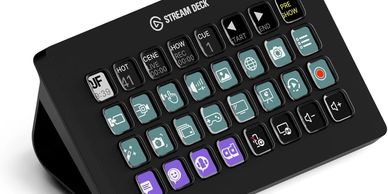
A Key Piece of Kit to switch on the fly, play audio, switch screens, open browsers etc. A key part of any Stream setup that is not mandatory but extremely useful
PC Laptop
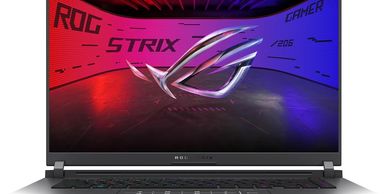
I highly recommend the best gaming PC or laptop you can afford for running 3 cameras. For 4k be prepared to invest. Choose PC OR Apple
Macbook Pro

If you are into the Apple or Mac ecosystem use the best gear available for your budget. Choose PC OR Apple.
The Brains of it all
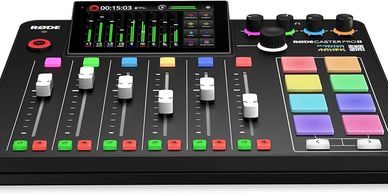
After months of screwing around, i centralized ALL audio through a Rodecaster. You will thank me later. this device is key for feeding good audio into the streaming PC and also for Podcasting.
The Player / Podcast Mic
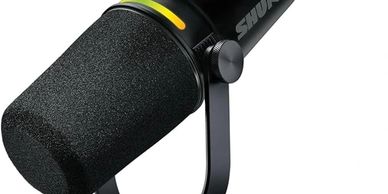
Your Voice Clarity is key so dont skimp on the player mic. Get the one with a stand so you can do a podcast later :)
Machine Mic
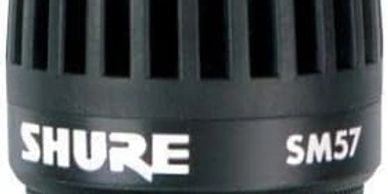
Game SOunds are key. This is not a mandatory purchase but it will make for a better stream. The cameras mics can be used for game sound also
Arm of the Podcast Mic
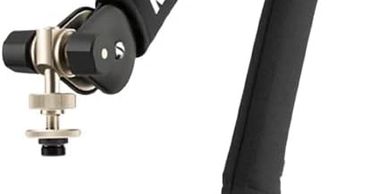
If you want dual purpose rig for podcating and livestreaming get one of these arms
Cables (not wires)
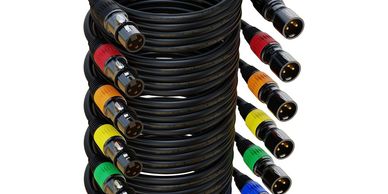
Take your gaming experience to the next level with our virtual reality games. Immerse yourself in a world of stunning graphics and realistic gameplay, and get ready for an unparalleled gaming experience.
Power Conditioning
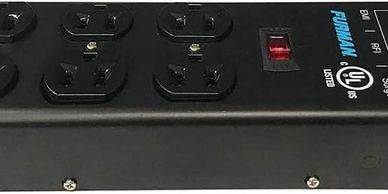
Do Not go cheap on your power distribution. This is the only one i would recommend
USB C Power
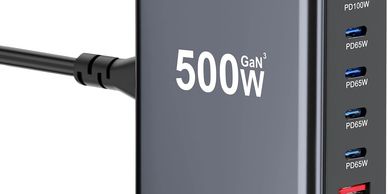
USBC Power distribution is a key part of all of this. The cameras, mixer, hubs, some lights.
USB C Charge Cables
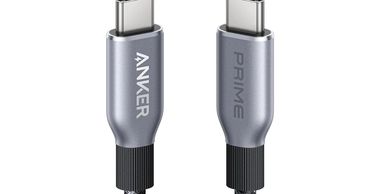
Pls Note these are for charging ONLY. USB C audio and video needs higher quality cables capable of higher bandwidth. so for your mixer audio use the cable it comes with or better longer version
Micro Hdmi for Cameras
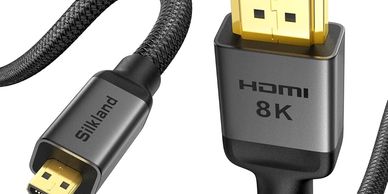
You will need the exact ones for your cameras but if you use sony these should be good. longer is better if the laptop is adjacent. shorter if mounted to rig